
Fleet vehicle returns: a guided inspection between the branch and the manager
Organise a vehicle return with browser live video, guided photographs and human review of the earlier handover record.
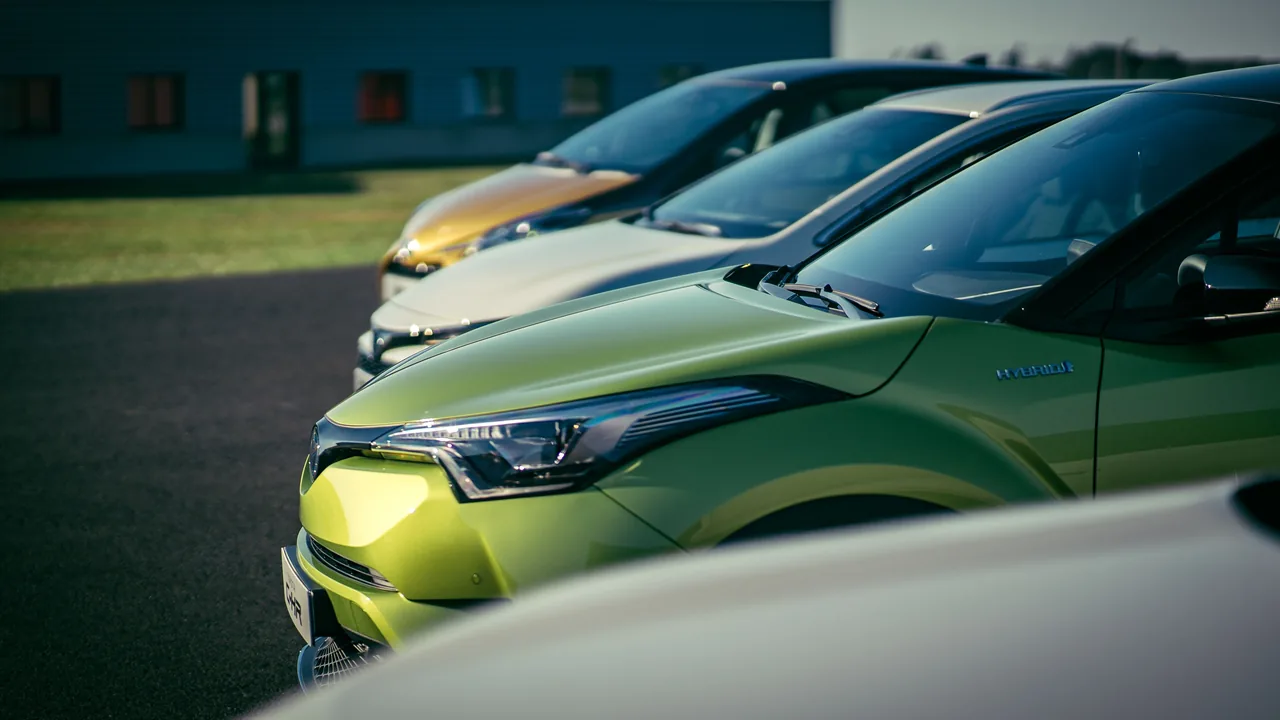
A rental vehicle returns to a branch while the fleet manager is in another city. The employee beside the vehicle notices a scratch on a door and needs to document it in context. REMOTEZAI can support this collection with live video in the browser, guided photographs and observations kept in the same case file. The following scenario is illustrative and does not describe a real customer.
Agree on the scope before starting
The session has a specific purpose: record the vehicle's visible condition at return and prepare the manager's review. The employee confirms that the vehicle is parked in a suitable place with room to walk around it. Observation takes place with the vehicle stationary, following the organisation's procedure.
Before sending the invitation, the manager prepares a short list covering identification, exterior, cabin and relevant dashboard information. They also make the previous handover record available for later reference. Agree on who will participate and what to collect, keeping unrelated people and documents out of the images.
Begin with a complete walkaround
The employee opens the link in the phone's browser and allows camera and microphone access. The manager follows the live video and guides a consistent route: front, right side, rear and left side. Start with overall views that identify the vehicle and make each side recognisable.
The call makes it possible to request another angle immediately. If a reflection hides part of a door, the manager asks the employee to change position before taking the photograph. Check the saved images: a detail that seems visible during the call may still be unclear in a photograph.
Connect the scratch to the correct door
In this example, the employee shows a scratch on the left rear door. The manager requests a side view, a view of the door with the rear wheel visible, and a steady close-up of the scratch. This sequence locates the detail without relying on the memory of people who attended the call.
A useful note reads, “Left rear door: scratch visible below the handle.” If the employee explains when they noticed the mark, identify that information as a reported account. The photograph documents visible appearance; it does not establish when the mark occurred or what caused it.
Collect the return information that matters
Inside the cabin, the manager requests only the views covered by the procedure. If mileage and fuel or charge level form part of the return record, the employee shows readable dashboard values while the vehicle remains stationary. Personal belongings left inside do not need to be filmed.
Record an unreadable indicator as missing information. Video and photographs alone cannot interpret a warning light or establish mechanical condition. If this question arises, note the on-site check needed in the case file.
Review the records manually
After collection, the manager consults the handover record alongside the return images. They locate the same door and check whether the angles and lighting support a useful comparison. REMOTEZAI organises the evidence; the responsible person performs this comparison.
If the earlier photograph does not show the area, record that limitation. A mark absent from an unclear image is not proof that it was absent from the vehicle. Notes should distinguish observations, reported information and questions that remain unresolved.
Finish with a clear next action
Before closing the session, both participants check that the photographs support the notes and identify any view that can still be repeated. The manager assigns the next action: review the file, request another item or arrange an on-site assessment. Collection does not automatically determine responsibility or costs.
Explore REMOTEZAI for automotive inspections and use the guide to evidence photos with context and detail to prepare your sequence.