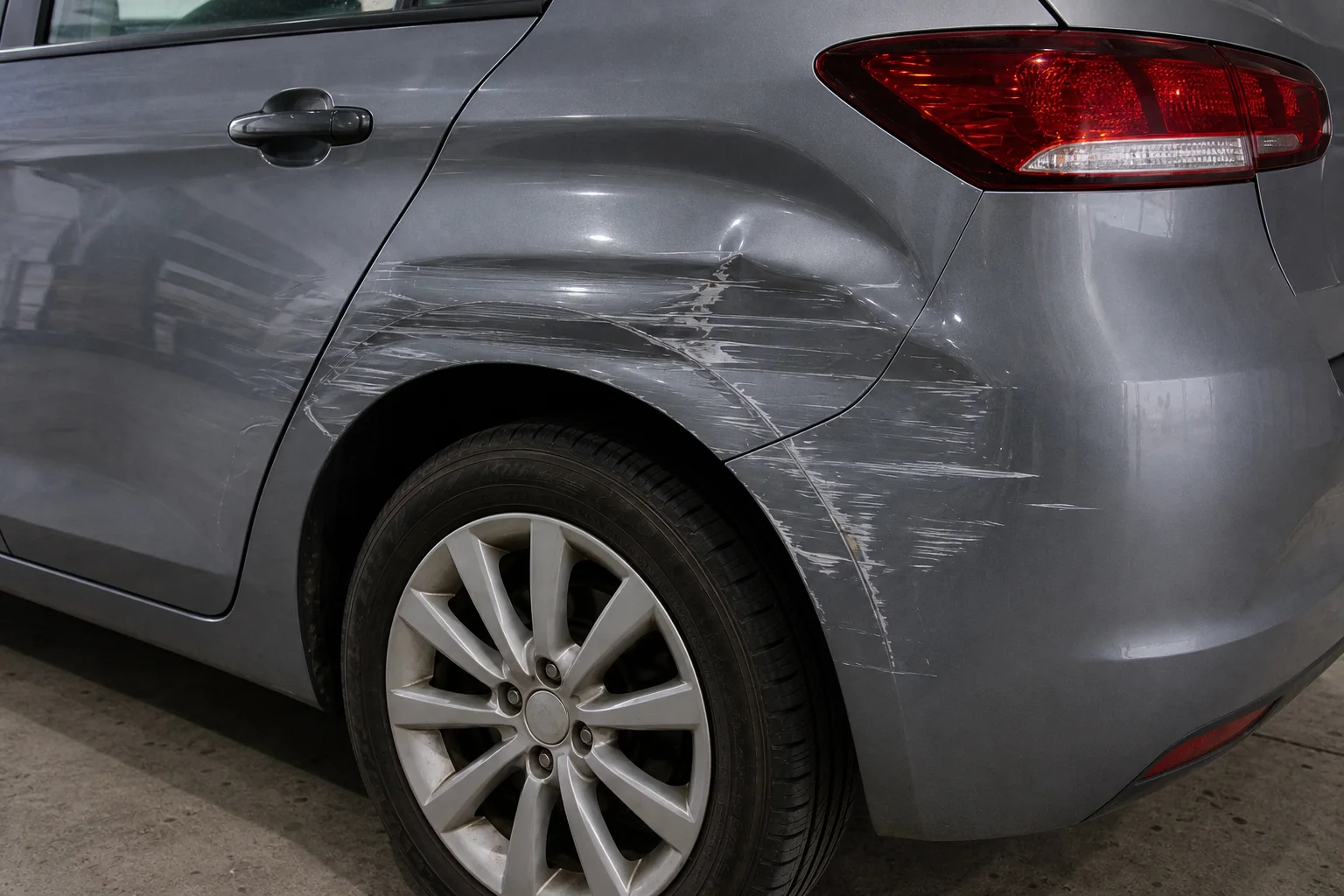
Damage in its setting
Connect each detail to its location on the vehicle and the wider view around it
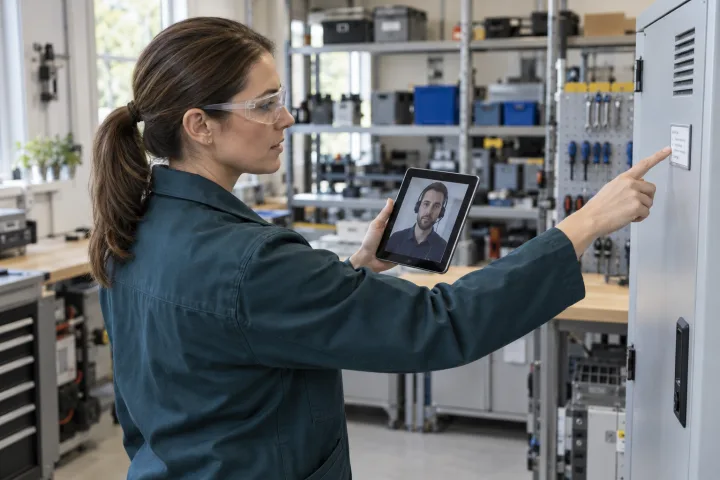
Guide the person beside the vehicle and gather overall views, damage details and observations in one session. Remotezai helps prepare visual triage and technical review with evidence the team can return to after the call.
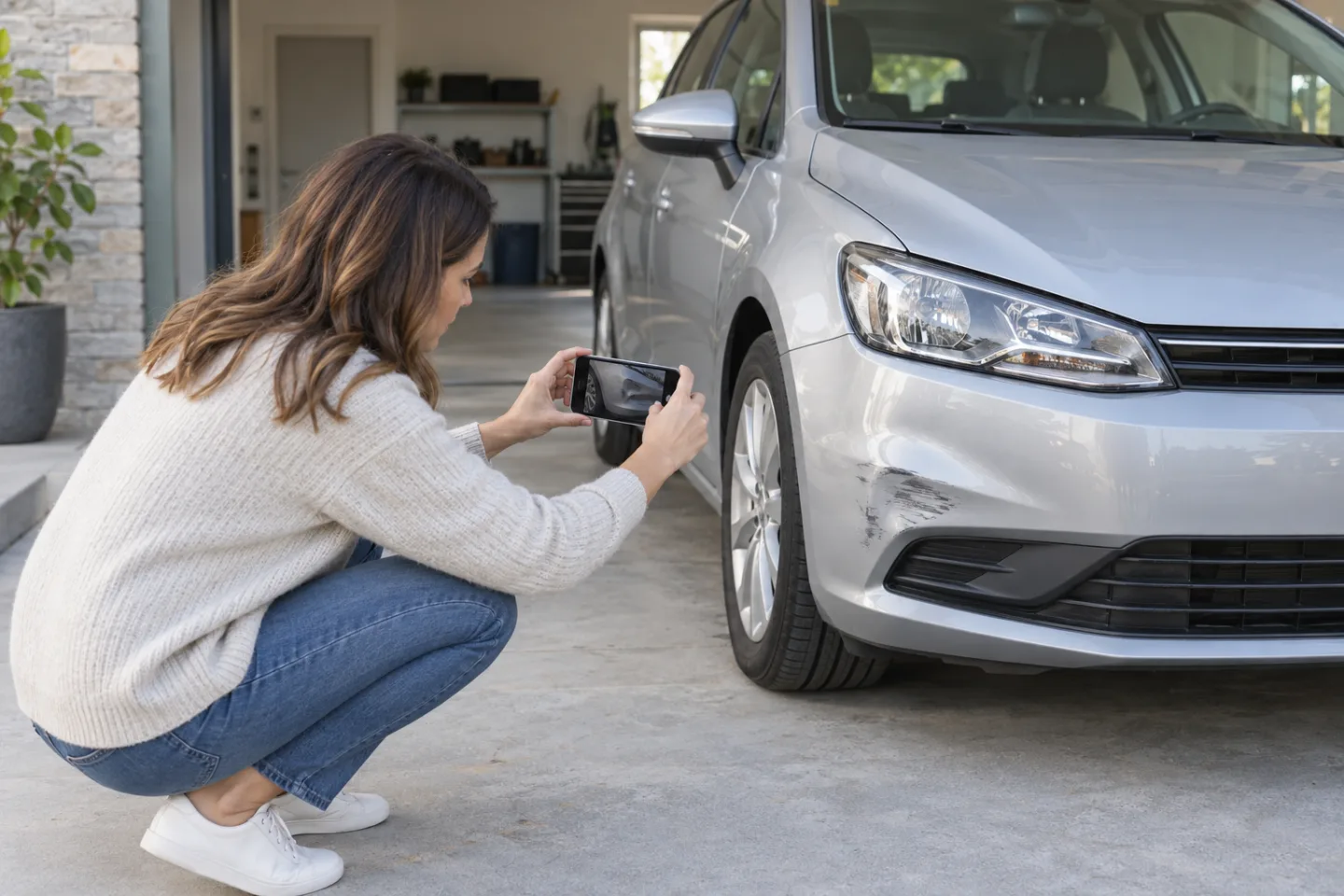
Connect each detail to its location on the vehicle and the wider view around it
Use checklists and annotations to request the angles still missing from the record
Keep photographs, observations and follow-up requests together in the same case file
Identify the vehicle, the reason for the session and the areas to document before sending the invitation
Start with the full exterior, then request steady close-ups of damage through video in the browser
Check image clarity, flag gaps and prepare the report for the person responsible for assessment
Video observation has limits. Hidden damage, safety concerns and mechanical checks may require an on-site inspection by a professional. The collected evidence supports human assessment and does not, by itself, determine liability or required repairs.
Bring together what was seen, what needs confirmation and the next step in a case file that stays with the work.