
Retail equipment maintenance: prepare the next visit with context
Use a label-printer example to gather equipment details, reported symptoms and visual evidence before a technician visit or supplier handover.
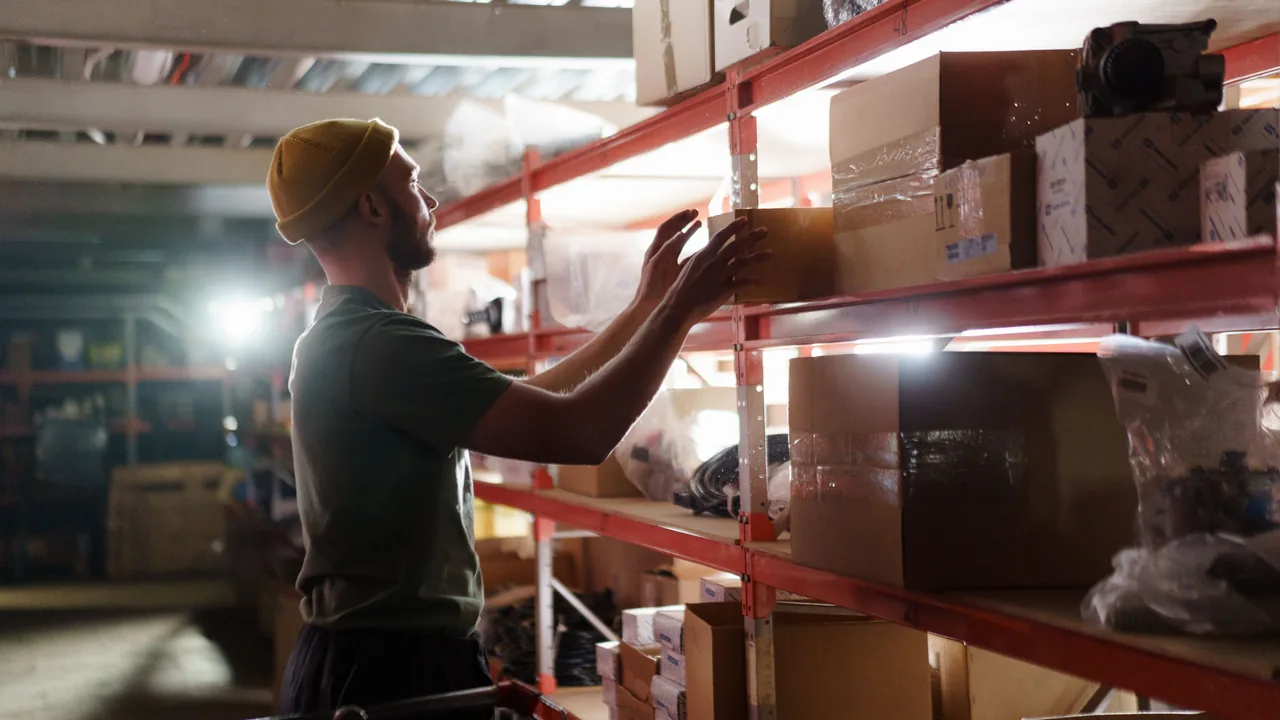
Across a network of stores, “the printer has stopped again” can describe different equipment and different problems. REMOTEZAI connects a maintenance operator with the person on site through browser video, guided photographs and notes in a case file. Consider this illustrative scenario: a stockroom label printer shows an intermittent error, and the team needs to prepare the next step.
Identify the store and the actual printer
Before the session, confirm the store, the stockroom area and the employee available to join. Ask for the support request reference and any accessible equipment identification. Similar-looking printers in different branches may be different models, and there may be more than one printer in a single stockroom.
Use the call to gather an overall view and a readable photograph of the model identification. If the label cannot be reached safely, record the missing detail. Completing the case file does not justify asking someone to move or open equipment.
Keep reported behaviour separate from observation
The employee says printing stopped twice while preparing labels that morning. During the call, the printer may be working as expected. Record both facts separately, including the period the employee described and the condition actually seen during the session.
If the error appears, request a clear image of the message or code and copy its wording accurately into the notes. If it does not, keep it recorded as a reported symptom. A short call without an error does not establish that an intermittent problem has been resolved.
Show the accessible surroundings
A view of the accessible work area helps explain where the printer sits and how it is used. Ask which task is affected and whether the store has an alternative already covered by its usual procedures. This gives the maintenance team operational context for its review.
Keep the camera focused on information relevant to the equipment. Customer labels, documents and people do not need to appear simply because they are nearby. Follow the organisation’s collection procedures and stay within areas the employee is authorised and able to show safely.
Record previous actions and their outcomes
Ask what has already been tried under the store’s normal authorised procedures. Note the action, who carried it out and the reported outcome. If an ordinary check is observed during the session, distinguish it from something described afterwards or performed earlier.
For example: “The employee reports repeating the print task through the usual process; the error returned later.” That gives the next person more to work with than “everything checked”. Avoid improvising repair steps. If a check requires technical access or specialist work, leave it for the appropriate person and record that boundary.
Prepare a handover another person can use
Review the photographs and notes before closing the session. For a technician visit or supplier discussion, prepare a summary covering the store, equipment, exact error where available, reported circumstances, observed condition, previous actions and outstanding questions. Include limitations, such as unreadable identification or an error that did not recur.
The responsible team reviews the material and decides how to proceed. REMOTEZAI supports evidence collection and organisation; photographs alone do not establish a fault’s cause or determine the repair required. A useful handover makes uncertainty visible instead of hiding it behind a confident label.
Name the owner of the next step
Confirm who receives the case file, who will contact the store and what action is agreed. For example, a maintenance coordinator might review the material with the supplier before arranging a visit. Tell the employee which questions remain open and how the work will continue.
Explore the equipment and facilities application and the guide to technical support triage and handoff for a broader structure. The practical goal is continuity: a colleague should be able to pick up the case with a clear view of the evidence and the next responsibility.