Symptoms in context
Connect observations to the equipment, its location and the conditions reported on site
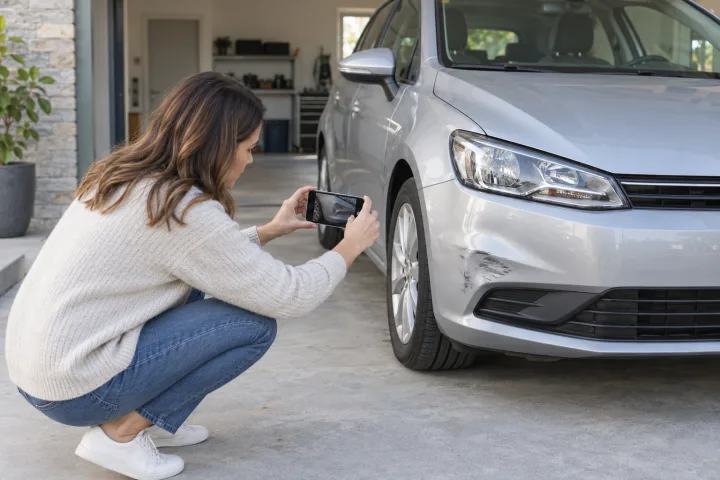
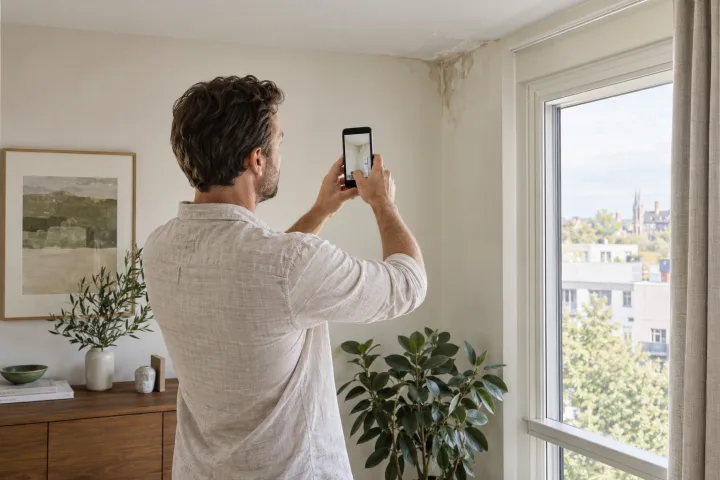
Bring the technical team closer to the person on site. Share the equipment's visible condition, its surroundings and the reported symptoms to gather useful information before deciding how to follow up on the issue.
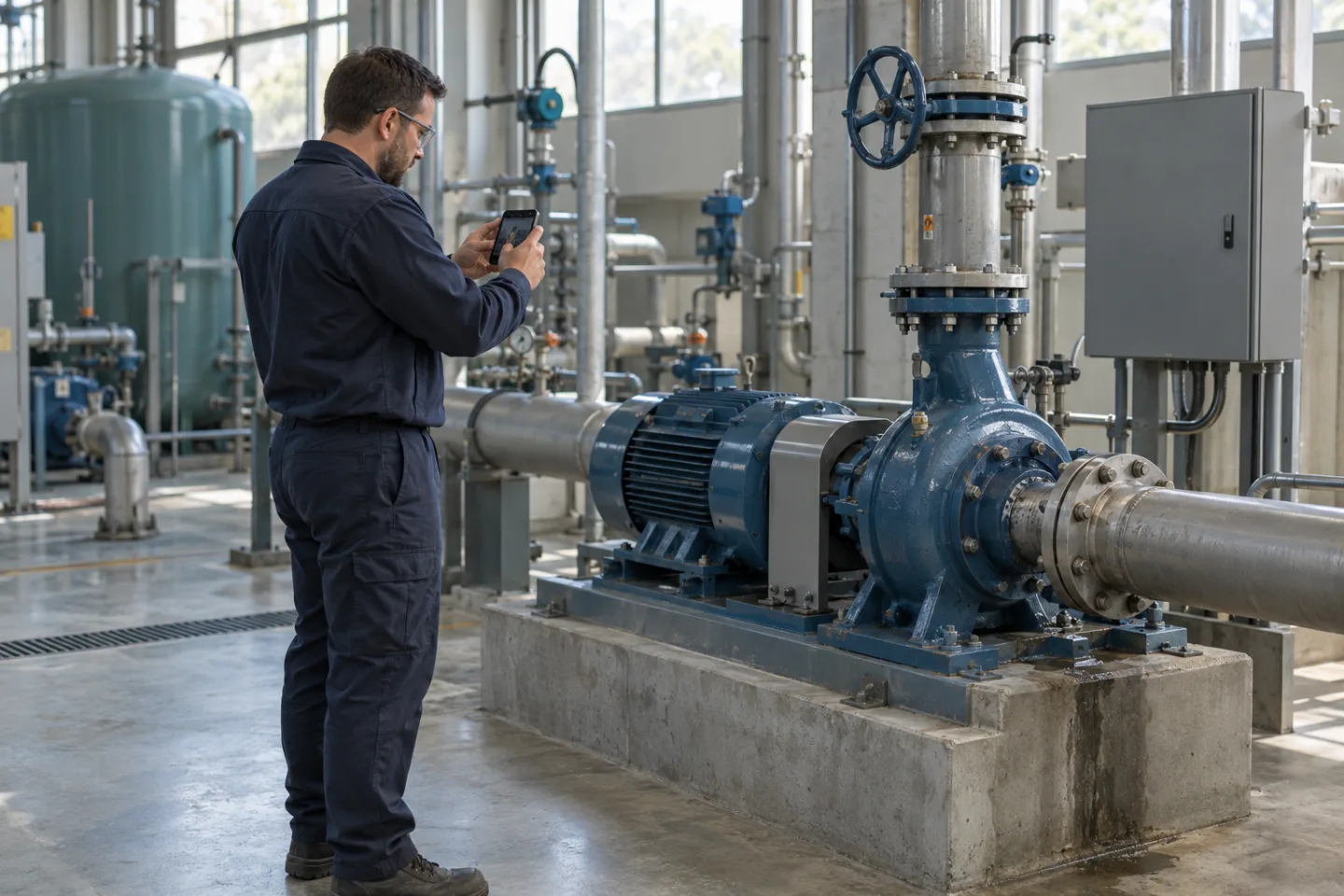
Connect observations to the equipment, its location and the conditions reported on site
Follow a checklist and request specific images while keeping the session focused
Share evidence and outstanding questions with the team that will assess the intervention
Collect the available reference, symptom description and purpose of the check before the session
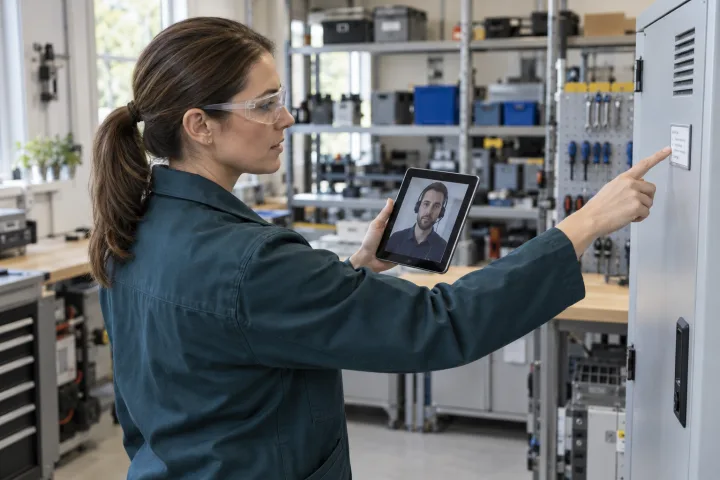
Guide views of the equipment, installation and visible indicators while respecting site safety requirements
Review the collected material and document outstanding checks for the technical team responsible

Video does not replace measurements, testing or on-site diagnosis. A session must not lead to unsafe opening, handling or operation of equipment. Technical interventions and safety conclusions remain the responsibility of qualified professionals following the relevant procedures.
Keep the initial observations, evidence and technical questions connected to the work that follows.