From room to detail
Connect visible damage to the room, surrounding surfaces and belongings involved
A close-up of a stain only tells part of the story. Guide a video walkthrough, connect details to each room and organize property evidence so your team can review the case with a clearer sense of its setting.
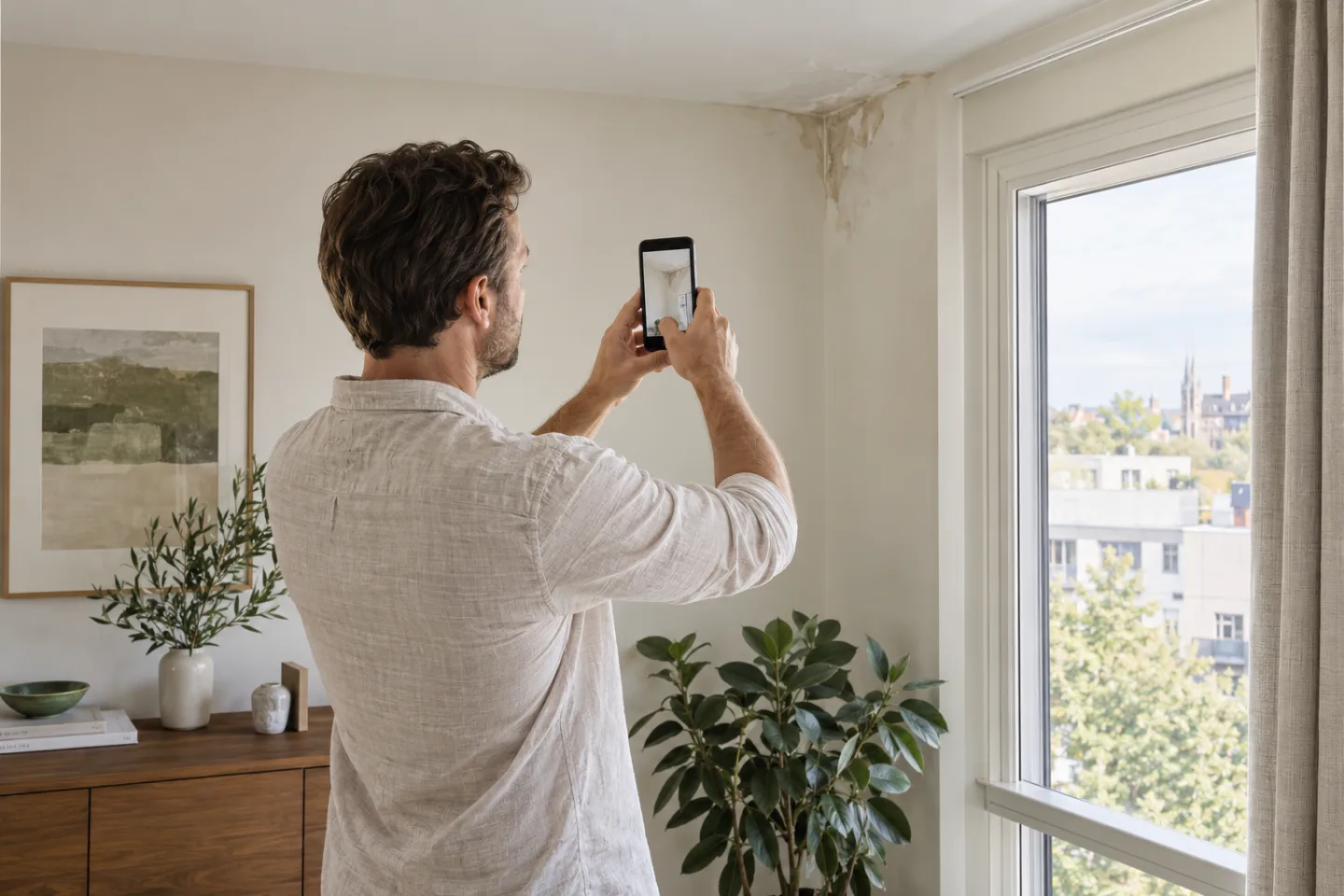
Connect visible damage to the room, surrounding surfaces and belongings involved
Guide the person on site and identify missing images while the session is still open
Keep observations and additional evidence in the same case file for the team's review
Choose the relevant rooms and confirm which areas the person can safely access
Capture a view of the room first, followed by clear images of each affected area
Review the photographs, record what remains uncertain and organize any requests for further evidence
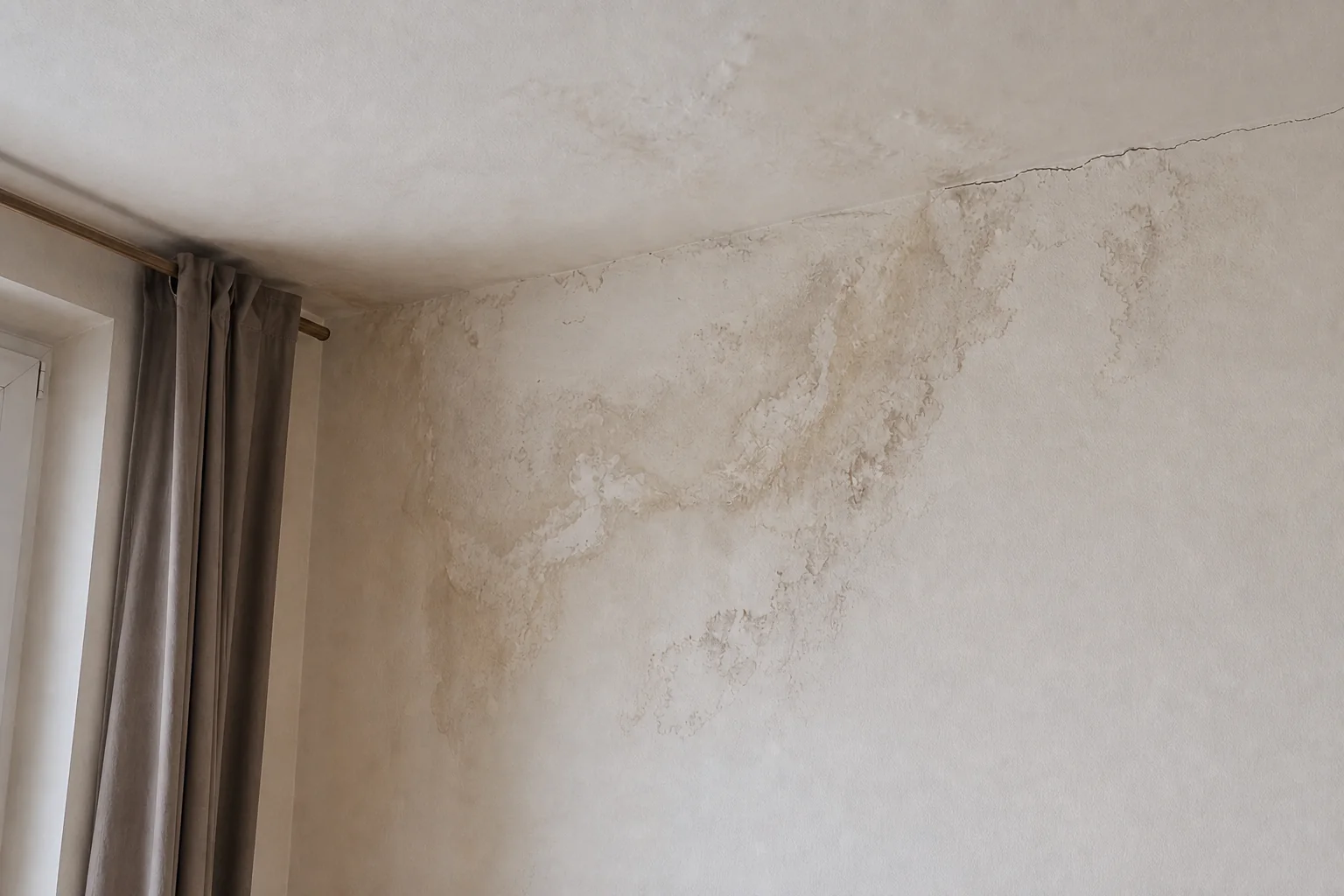
Images alone cannot establish the cause or full extent of damage. Structural risks, electrical installations and inaccessible areas require appropriate on-site assessment. The session should be limited to areas that can be observed safely.
Turn a guided walkthrough into useful evidence for assessment, follow-up and reporting.